Sleek and Minimalist Design Trends: The Evolution of Flagship Smartphones
Why This Matters Now
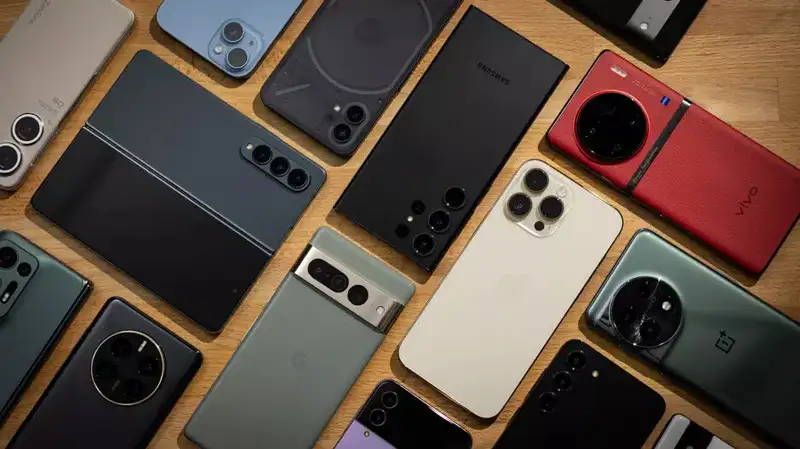
The global smartphone market has officially hit a point of peak physical maturation. For nearly a decade, manufacturers relied on aggressive hardware gimmicks—ranging from fragile curved “waterfall” glass displays to hyper-reflective, multi-colored backplates—to trigger superficial upgrade cycles. Today, consumer psychology has fundamentally shifted. Users are demanding resilient, distraction-free devices built for long-term utility rather than immediate retail novelty. The hyper-saturation of digital life has turned our screens into vectors for constant cognitive overwhelm, prompting a hardware and software design revolution focused on structural minimalism and digital well-being boundaries.
The Death of the Decorative Gimmick
The modern mobile design landscape has officially discarded the over-engineered ornaments of the early 2020s. Flagship product pipelines are currently undergoing a major transition toward industrial-grade structural minimalism. This movement prioritizes functional material textures, completely flat display planes, and tactile simplicity over aggressive, attention-seeking aesthetics.
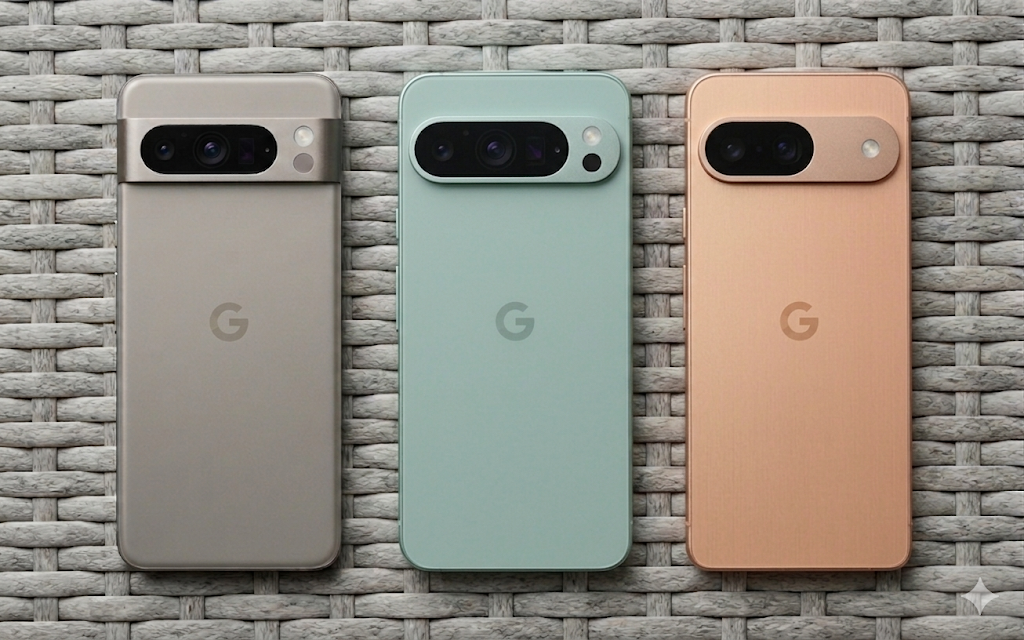
Devices leading the vanguard of this design shift—such as the Samsung Galaxy S26 Ultra and the Google Pixel 10 Pro—reveal a commercial marketplace indexing heavily toward pure utility. Outfitted with aerospace-grade titanium frames, microscopic uniform bezels, and satin matte glass back panels that resist fingerprint smudging, these phones treat hardware as a quiet backdrop rather than a status symbol. Eliminating curved glass edges addresses long-standing structural design flaws: it eliminates distracting edge-glare reflections, stops unintended palm touches from messing with touch detection, and drastically decreases screen shattering along exposed glass corners.
UI/UX Overhauls: Lowering Cognitive Friction
This hardware simplification strategy operates in direct lockstep with massive architectural changes across modern mobile operating system interfaces, such as Android 16 and Samsung’s One UI 8. For years, mobile software design suffered from visual clutter, using neon accent paths, heavy skeuomorphic drop-shadow textures, and chaotic animation cycles.
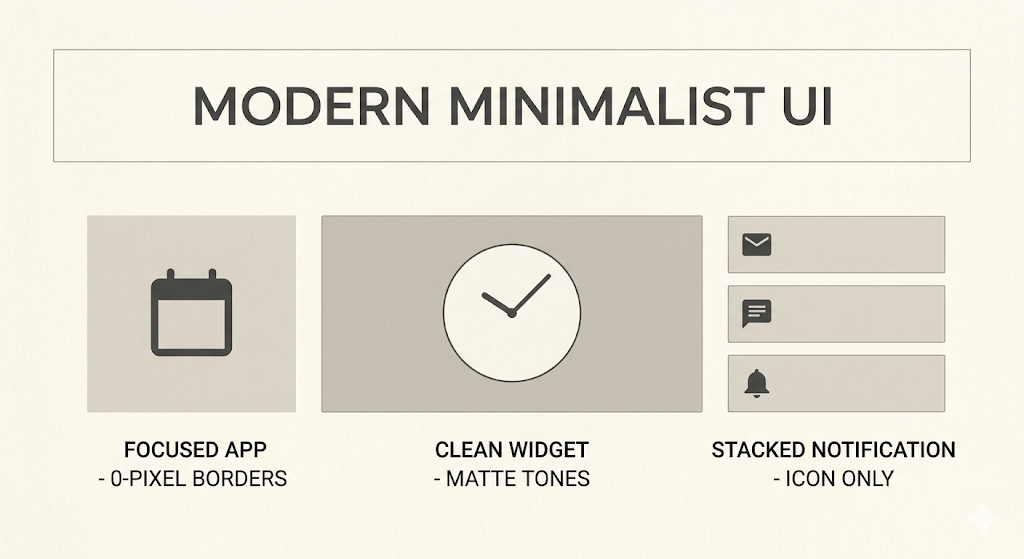
Modern application design layers are aggressively cleaning up their interfaces. Software skins are stripping out unnecessary gold accents, decorative divider lines, and complex color coding in favor of clean, flat, block-styled modules. These uniform cards sit on plain, neutral backgrounds, visually mirroring the flat physical chassis of the phone itself.
This design overhaul is built on core psychological principles: removing bright, chaotic visual noise from your interface directly lowers everyday eye strain and mental fatigue. Modern users are actively looking for minimalist operating spaces to build strict screen-time limits. By using clean layouts and muted system colors, phones stop acting as slots for constant dopamine loops, turning back into quiet tools for targeted workflows.
Step-by-Step UI Simplification
To transform your mobile device from a noisy distraction engine into a high-utility minimalist workspace, follow this technical optimization sequence:
- Activate Global Grayscale or Dark Mode: Access your device platform settings, navigate to the Display & Accessibility menu, and toggle your theme to an absolute black dark mode to reduce panel power consumption and eliminate hyper-saturated blue-light triggers.
- Flatten the Home Screen Grid Array: Strip your primary launch screen down to a single workspace page. Remove all auto-updating algorithmic discovery feeds, news cards, and sprawling weather animations.
- Consolidate to a Four-Slot App Dock: Select your top four essential daily productivity or communication applications. Place only these four items in your primary bottom dock array, leaving the rest of your home screen completely blank.
- Disable Persistent Notification Badges: Dive into your application notification management settings and turn off all red numerical badge counters. This removes persistent visual indicators designed to pull you into loops of unread messages.
- Enforce Strict Notification Delivery Rules: Configure your device’s focus profiles to route all incoming consumer apps and social media alerts directly into silent, batched notification summaries delivered only twice a day.
Pro-Tip: Install a custom open-source launcher framework or apply a high-contrast, monochrome icon pack via the Google Play Store. Forcing your brain to navigate using clear text lists or uniform, symbol-accurate monochrome icons breaks the immediate impulse loop triggered by highly recognizable, bright corporate brand logos.
Deep Dive Resources
- Internal Optimization Strategies: To learn more about cleaning up your computing environments, explore our technical guide on How to Optimize Tech Operating Spaces for clean, high-performance setups.
- External Design Foundations: For a comprehensive look at the industrial engineering shifts behind modern mobile components, check out the Material Design Framework and Accessibility Guidelines created by Google’s UI/UX development groups.